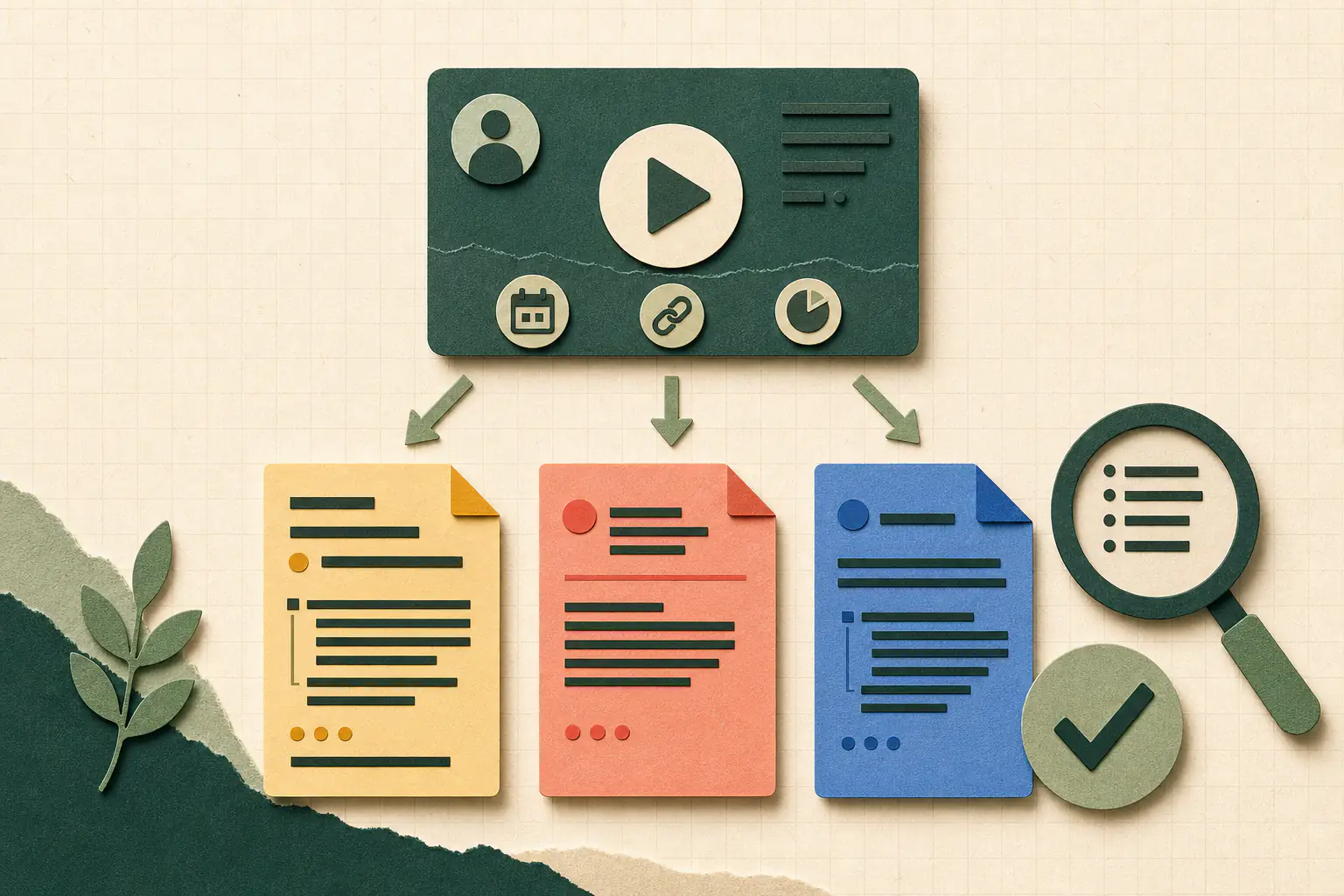
A YouTube citation is not just a video URL. It identifies the person or organization responsible for the version you watched, its displayed title and publication date, the hosting platform, and a stable location. Some styles also need the channel, duration, or context of the original work.
APA, MLA, and Chicago organize those facts differently because they answer different attribution questions. The correct result therefore starts with source checking, not punctuation. This guide shows which fields to capture, how the three common styles treat them, and how to point readers to one exact moment without confusing a timestamp with the full reference.
Capture the source fields before formatting
Open the video page and record the displayed title, channel name, upload date, and canonical video URL. Then identify whether a named speaker, director, organization, or other primary creator is clear. The channel that uploaded a video may not be the person who created the underlying lecture, interview, film, or performance.
Record the duration when the style uses it and the timestamp for any passage you discuss closely. Preserve original publication details or contributors from the description separately. Do not infer an author from channel branding when the source does not support that conclusion.
- Creator or organization responsible for the cited work.
- Uploader or channel name exactly as displayed.
- Exact visible title and publication date.
- Platform, stable video URL, and total duration when needed.
- Timestamp for the specific passage used in your writing.
Build an APA 7 reference around the uploader
APA places the person or organization that uploaded the video in the author position. When a real name and a different channel name are both known, the channel name can follow in brackets. The reference then gives the full upload date, the video title in sentence case, the descriptor [Video], YouTube, and the URL.
The in-text citation uses the author element and year. Add a timestamp for a quotation or precise moment because a video has no page number. Review capitalization and italics after moving the output into a word processor or reference manager.
- Pattern: Uploader. (Year, Month Day). Title of video [Video]. YouTube. URL
- In text: (Uploader, Year) or (Uploader, Year, timestamp).
Choose the MLA 9 author element deliberately
MLA allows more than one defensible starting point. If the primary creator is clear and relevant to your discussion, place that creator in the Author element. If no creator is clear, begin with the video title and identify the channel after YouTube with the words uploaded by. The goal is to help the reader recognize the version you used.
Copy the title as it appears, then include YouTube as the container, the upload date, and the URL. A republished film, interview, or performance may need original contributors and publication details first. Match the in-text reference to the entry's first element and follow the required guide for a timestamp locator.
Adapt Chicago 18 to the type of video
Chicago's current notes-and-bibliography examples identify the creator, title, relevant context, posting details, uploader, platform, duration, and URL when those facts describe the source. A lecture on YouTube is more than a generic web page, so its citation can preserve both lecture and posting context.
A full note usually presents the creator in normal order and separates the details with commas. A bibliography entry normally inverts a personal creator's name and uses periods between larger elements. The exact fields depend on the source and the focus of the research, so compare the draft with the current Chicago example for that media type.
- Note: creator, title, context, posting details, platform, duration, and URL.
- Bibliography: creator inverted when appropriate, followed by the same source facts as a standalone entry.
Use timestamps as locators, not complete citations
The full reference identifies the complete video; the timestamp identifies the moment supporting one sentence in your work. APA uses the timestamp in the in-text citation for a direct quotation or specific scene. Chicago can add a time range to a note. For MLA, apply the locator pattern required by the current handbook or your institution.
Do not confuse total duration with a pinpoint timestamp. Duration describes the source; a locator sends the reader to a passage. Keep both when required. If a video is replaced or edited, verify that the timestamp still matches and preserve archive details when your guide calls for them.
Treat a generated citation as a checked draft
A formatter can arrange the values you supply, but it cannot reliably decide who created the underlying work or whether a local style guide changes the standard pattern. Free Creator Toolkit's citation generator does not fetch or verify video metadata. Compare every title, name, date, duration, and URL with the source page before submitting the citation.
When a field is missing, do not invent it. Consult the current manual and local instructions for unknown creators, missing dates, access dates, and archived copies. After pasting, restore required italics and hanging indents and confirm that the first entry element matches the in-text citation.
- Verify every supplied field against the version you watched.
- Check capitalization, italics, quotation marks, punctuation, and date order.
- Confirm the in-text author or title matches the reference entry.
- Open the final URL and test any timestamp after formatting.
Frequently asked questions
Who is the author of a YouTube video citation?
It depends on the style and source. APA normally uses the uploader in the author position. MLA can use a clear primary creator or begin with the title and name the uploader later. Chicago identifies the creator most relevant to the work and may also include the posting channel.
Do I need a timestamp when citing a YouTube video?
Use a timestamp when quoting or discussing a specific moment. It works as a locator in the in-text citation or note. The reference-list or bibliography entry must still identify the complete video, and some styles also include its total duration.
What if a YouTube video has no clear author or date?
Do not guess. Use the missing-author or no-date convention from the current style manual and any local institutional guide. Record the uploader, title, URL, and access or archive details when that guide requires them.
Can a citation generator guarantee the correct format?
No. A generator formats the metadata and style choice it receives. It cannot always identify the underlying creator, source type, manual edition, or local rule. Verify the metadata and compare the draft with the current guide before using it.
Sources
- APA Style: YouTube references
Provides the American Psychological Association's current reference patterns for YouTube channels and individual videos.
- MLA Style Center: How do I cite YouTube videos?
Explains creator, uploader, title, container, publication-date, and URL choices for MLA works-cited entries.
- The Chicago Manual of Style: Notes and Bibliography: Sample Citations
Provides current Chicago notes-and-bibliography examples for online video, including creator, event, posting, platform, duration, and URL details.