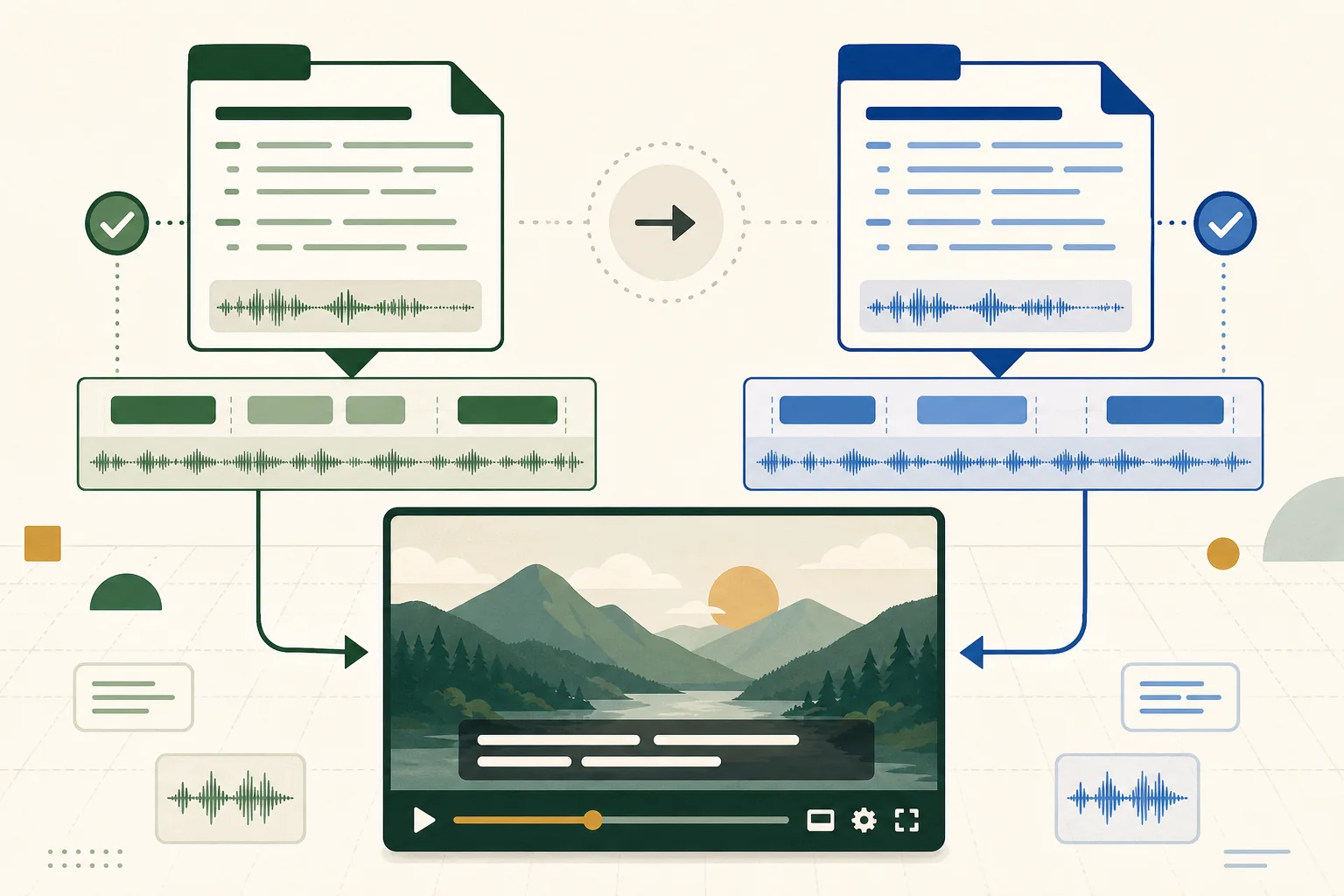
Use SRT when you need a simple, widely exchanged subtitle file. Use WebVTT when the destination is a web player or the workflow needs WebVTT cue settings and web-text-track behavior. YouTube supports both, so the best choice is usually the format your editor, translation process, archive, and other delivery platforms can preserve reliably.
The files look similar but are not interchangeable by renaming the extension. Their headers, timestamp separators, cue identifiers, settings, and optional features differ. This guide explains the practical differences and gives you a validation workflow that protects timing and text during conversion.
Understand the structural difference
A typical SRT cue contains a numeric sequence, a start and end timestamp separated by an arrow, and one or more text lines. Milliseconds use a comma. A WebVTT file begins with a WEBVTT header, normally uses a period for milliseconds, and may include cue identifiers, settings, regions, and other features defined by the W3C format.
Both are timed-text sidecar files: the captions remain separate from the video image and the viewer can usually turn them on or off. That is different from burned-in text, which becomes part of every frame. Sidecar captions are easier to correct, translate, search, and adapt to viewer preferences when the platform supports them.
- SRT milliseconds: 00:00:01,500.
- WebVTT milliseconds: 00:00:01.500.
- WebVTT requires its file header.
- Cue settings and styling support depend on both the format and the destination player.
Choose SRT for simple interchange
YouTube's supported-file guidance recommends SubRip or SubViewer as approachable choices for people new to caption files. SRT is widely exported by editing, transcription, and localization tools. Its limited structure is often an advantage when a file must move through several systems without carrying player-specific positioning or styling.
Choose SRT when the goal is accurate words and timing, the delivery destinations accept it, and no WebVTT-specific feature is required. Keep the file in UTF-8, use consistent cue numbers, and avoid overlapping or reversed time ranges. Simple does not mean automatic: reading speed, line breaks, speaker identification, and sound descriptions still require editorial review.
Choose WebVTT for web-native text tracks
WebVTT was designed for media text tracks on the web and its specification includes cue settings, regions, and processing rules. It is a natural delivery choice for HTML5 players that expect a VTT track. It can also be useful when a supported player and authoring workflow intentionally preserve positioning or other cue behavior.
Do not assume every destination implements every optional feature identically. YouTube lists WebVTT support but describes it as an initial implementation in its format table. Test the actual upload if styling or position is essential. Accessibility should not depend on a decorative feature that disappears during platform normalization.
Convert syntax instead of changing the extension
Renaming captions.srt to captions.vtt leaves SRT punctuation and structure inside a file with a VTT extension. A real conversion adds the WebVTT header, changes timestamp punctuation, removes or transforms unsupported structures, and preserves cue text and time order. The reverse conversion must decide what to do with VTT settings that SRT cannot represent.
After conversion, count cues and compare the first, middle, and final timestamps. Check multiline captions, speaker labels, italic markup, notes, and cues near an hour boundary. If the source contains overlapping cues, decide whether they are intentional before an automated repair changes them.
- Confirm the output header and timestamp separator.
- Compare cue count and total timeline span.
- Review any styling or position information that may be lost.
- Open the result in both a validator and the destination player.
Validate caption quality beyond file syntax
A technically valid file can still be difficult to read. Review characters per second, line length, line breaks, caption duration, synchronization, speaker changes, meaningful sound descriptions, spelling, and punctuation. Keep related words together and avoid placing a caption across a cut or speaker change when a small timing adjustment can make the reading experience clearer.
Automatic captions are a draft, not proof of accuracy. Names, specialist terms, numbers, and ambiguous speech require attention. Watch the complete video with sound muted, then sample it with sound to check synchronization. This catches problems a text-only validator cannot see.
Keep an editable master and document delivery files
Store a reviewed master in the format that best preserves your authoring workflow, then create delivery copies for each platform. Record language, locale, frame-rate assumptions when relevant, revision date, and the video master the captions match. A subtitle file can drift out of sync when an editor inserts a new intro after captions were approved.
Name files predictably, such as project-language-version, and do not overwrite the reviewed master during a quick platform repair. When a timing offset affects every cue, shift a copy and verify the first and final sections. When drift grows over time, investigate the source timeline or frame-rate conversion instead of applying one global offset.
Frequently asked questions
Does YouTube accept SRT and VTT files?
Yes. YouTube lists both SubRip SRT and WebVTT among its supported subtitle and closed-caption file formats.
Can I convert SRT to VTT by renaming the file?
No. A valid conversion must add the WebVTT header, change timestamp punctuation, and handle structural or cue-setting differences. Renaming only the extension leaves the wrong syntax inside the file.
Is SRT or VTT better for accessibility?
Accessibility depends more on accurate text, timing, reading speed, line breaks, speaker identification, and reliable player support than on the extension alone. Choose the format the destination supports well and review the result.
Why are my converted captions out of sync?
Common causes include a source file already being offset, a different video edit, timeline or frame-rate conversion, or malformed overlapping cues. Compare the caption master with the exact uploaded video before applying a repair.
Sources
- YouTube Help: Supported subtitle and closed-caption files
Lists supported caption formats and identifies SubRip as an approachable option for creators new to caption files.
- W3C: WebVTT: The Web Video Text Tracks Format
Defines the WebVTT format, cue timing syntax, cue settings, regions, and web-video text-track behavior.
- Described and Captioned Media Program: Captioning standards and presentation-rate guidance
Provides established caption duration and reading-rate guidance used as context for subtitle checks.