Crop, resize, and export your image
Choose an aspect ratio and move the crop to keep the part that matters.
Your image stays on this device
JPEG, PNG, or WebP · Up to 20 MB and 16 megapixels. Animated images export as a single frame.
Your image preview will appear here.
Plan crop dimensions without a file
Use the original dimensions calculator for video or image planning.
9:16 centered crop
Approximately 68.4% of source pixels fall outside the centered crop.
Share links include only numbers and choices. Local saves remain in this browser until you delete them.
Saved on this device0 of 6 saved
Save a fresh result to compare or reuse it later on this device.
Formula or method
Centered crop = largest target-aspect rectangle that fits inside the sourceAssumptions
- The crop is centered and does not detect faces or subjects.
- Keep titles and essential visuals away from the outer edges.
Sources and verification
- YouTube Help: Video resolution and aspect ratiosExplains YouTube player aspect ratios, vertical-video presentation, and responsive padding behavior.
- YouTube Help: Understand three-minute YouTube ShortsDocuments how square or vertical uploads up to three minutes are categorized as Shorts for standard channels.
Try it: keep the subject in a square crop
The camera operator is deliberately placed on the right of this landscape image. Use the framing control to keep that subject when changing the shape.
- Download the original PNG below and choose it in the crop tool.
- Select Square 1:1 and change the output width to 900 pixels; the height follows to 900.
- Move horizontal position to 100% (right), leave vertical position at 50%, choose JPEG, and prepare the image.
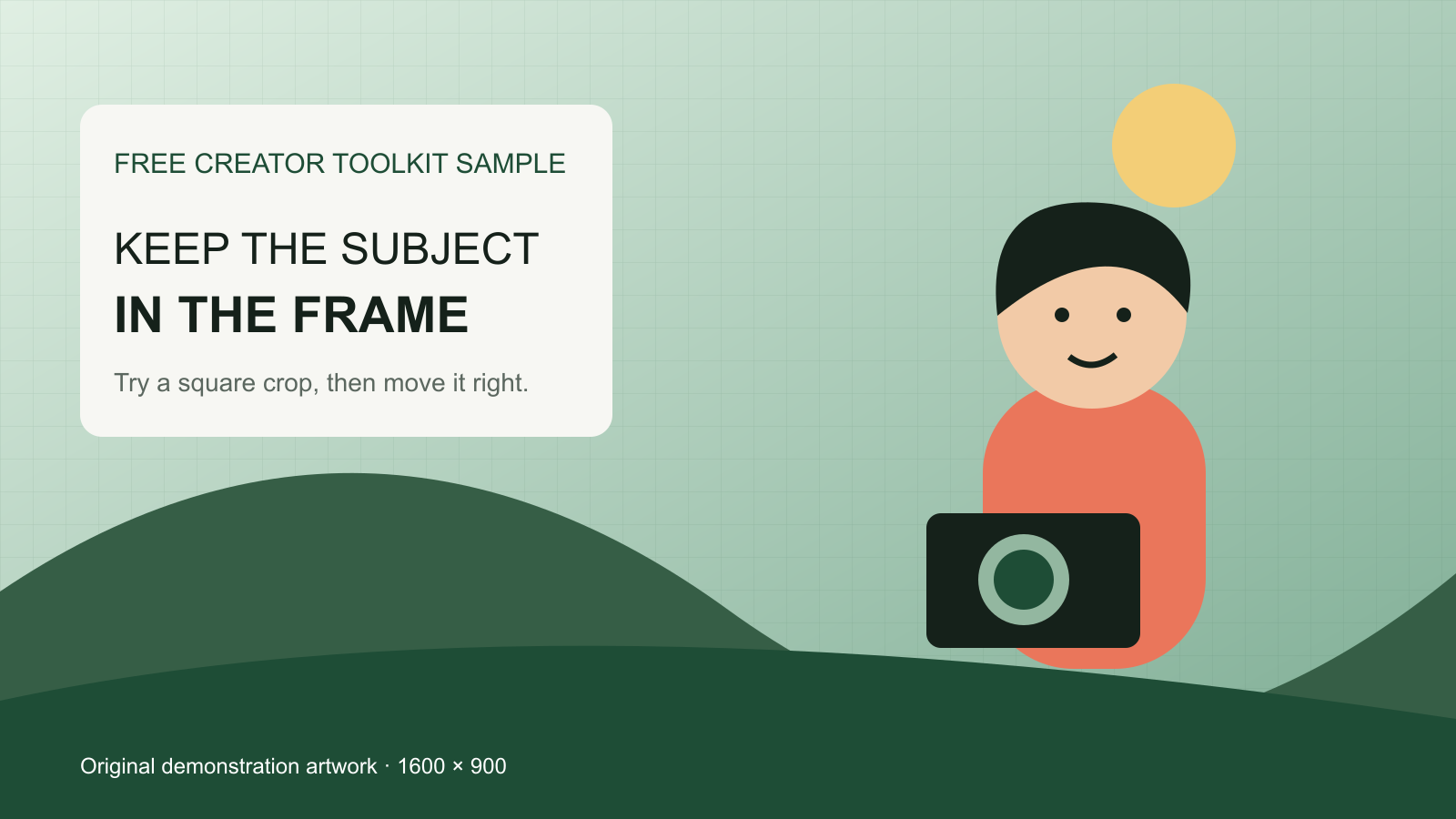
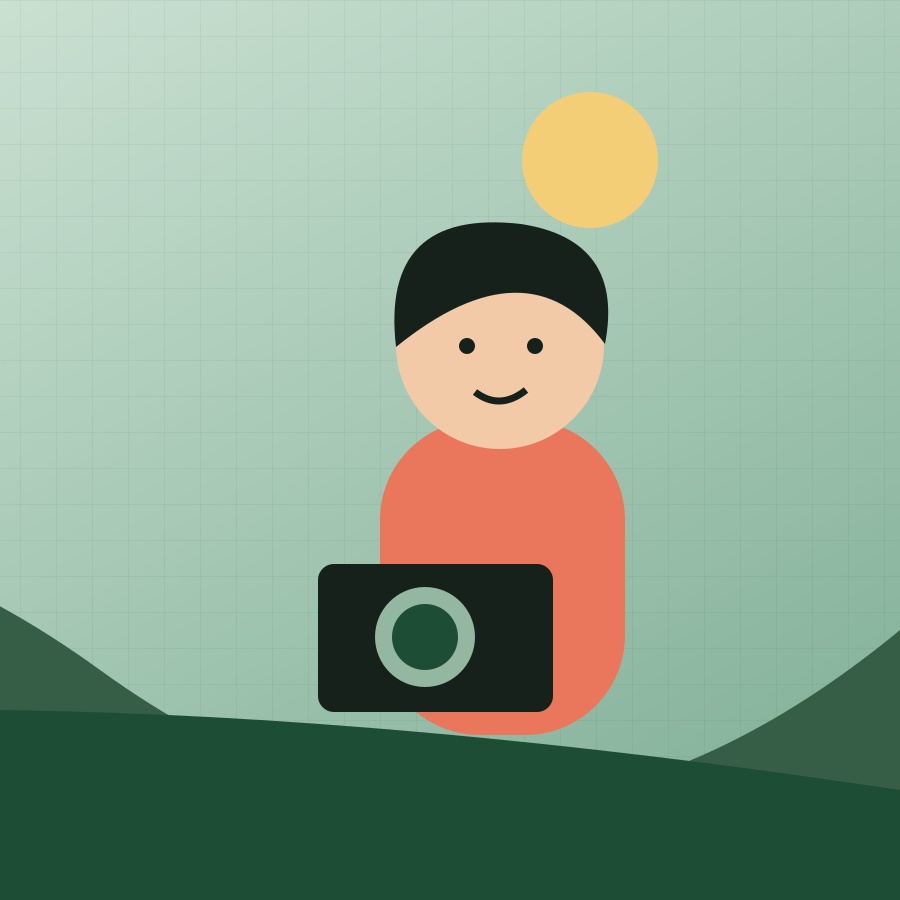
The exported square preserves the subject and removes the left-hand title. That is an intentional tradeoff. To keep both, redesign the layout or add a background in an image editor instead of forcing everything into one crop.
If your result looks different
Moving one slider does nothing
That axis may already use the full source dimension. A square crop from a landscape image removes width, so horizontal position changes the framing while vertical position has no spare space to move.
The new shape cuts off my caption
Move the crop if the source has enough room. If the caption and subject sit at opposite edges, return to the design source and reposition them before cropping.
Check the actual encoded size after choosing the final framing and dimensions.
Prepare the crop for a file-size limitHow to use the crop preview
Crop and resize an image in your browser with a visual preview, framing controls and a downloadable result. The original dimensions calculator is also available below for video or image planning without a file. Check that the subject and text remain readable in the chosen composition.
Read the crop as a composition warning
A 3840 by 2160 landscape frame converted to 9:16 keeps a narrow centered slice and removes most source pixels from the sides. Use the calculated crop dimensions to build a guide layer, then inspect the actual shot rather than assuming the center is the correct focal point.
Keep important text, faces, logos, and calls to action away from platform-interface regions. Safe areas vary by destination and can change, so verify the current publishing interface with a private test instead of treating one overlay as permanent.
Choose reframing, padding, or a new layout intentionally
A centered crop works when the subject already occupies the destination area. Otherwise move the crop window, animate a pan, use a split layout, rebuild graphics, or record a dedicated vertical angle. Padding preserves the full source but may reduce useful screen area.
The percentage outside the crop describes source pixels, not perceived quality. A tight crop can still look sharp when the source has enough resolution, while a mathematically large crop can fail because the important action occurs near an edge.
Questions about this tool
Can I reposition the crop?
Yes. For a selected image, use the horizontal and vertical framing controls. The separate dimensions-only calculator describes a centered crop. Neither tool tracks moving subjects in a video.
Why are so many pixels removed for vertical video?
Landscape and vertical frames have very different aspect ratios. Filling a 9:16 frame from 16:9 source requires removing a large portion of the left and right sides.
Is adding black bars better than cropping?
It depends on the content and platform. Padding preserves the entire frame, while reframing uses more screen area. Compare readability and composition in the real destination.